
Guided walks and drives with audio stories
Download a guided walk or drive. As you reach each stop, its story plays by itself while your own trip records.
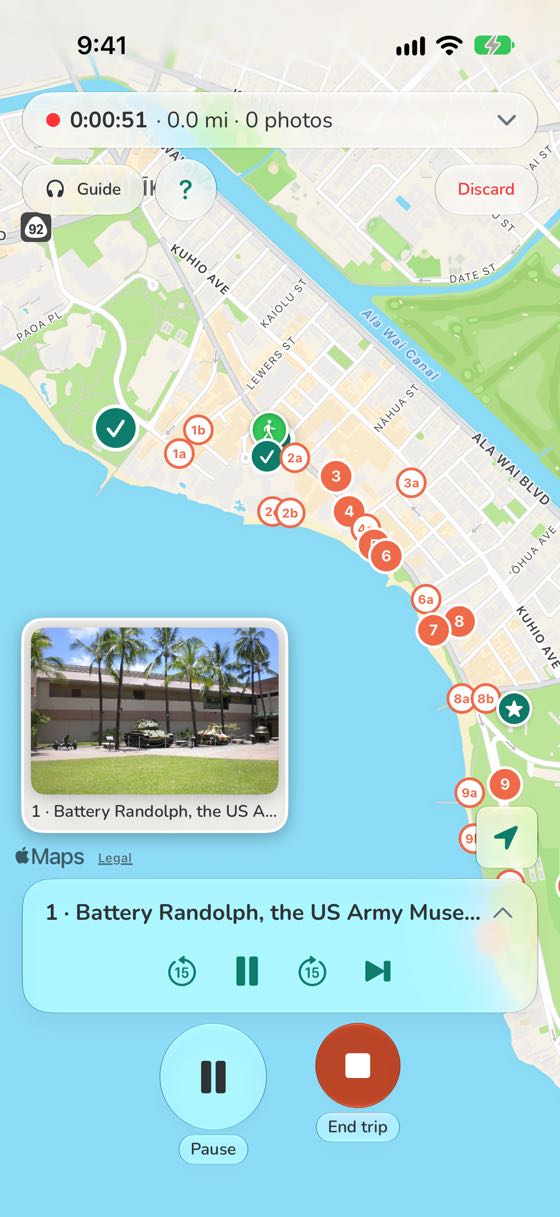
Download a guided walk or drive. As you reach each stop, its story plays by itself while your own trip records.
On Wi-Fi, open Explore, pick a walk or drive and tap Download. Its stories, pictures and map then play with no signal.
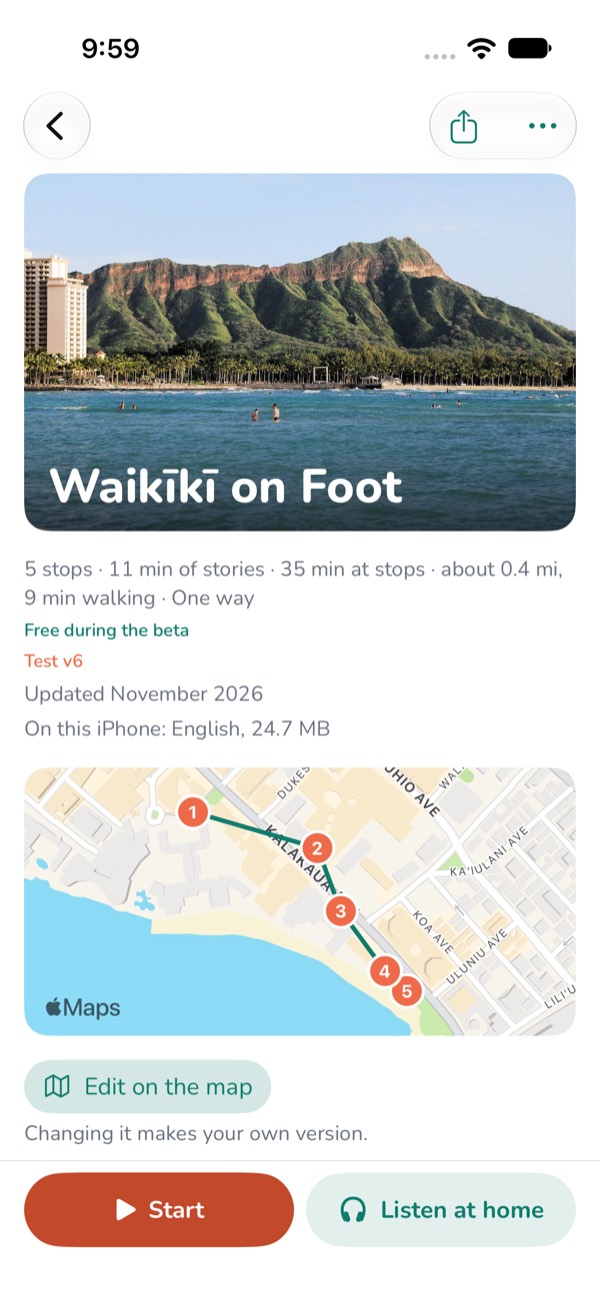
Directions need a connection. In Apple Maps, download the island under Offline Maps, and Apple Maps can show you the way with no signal too.
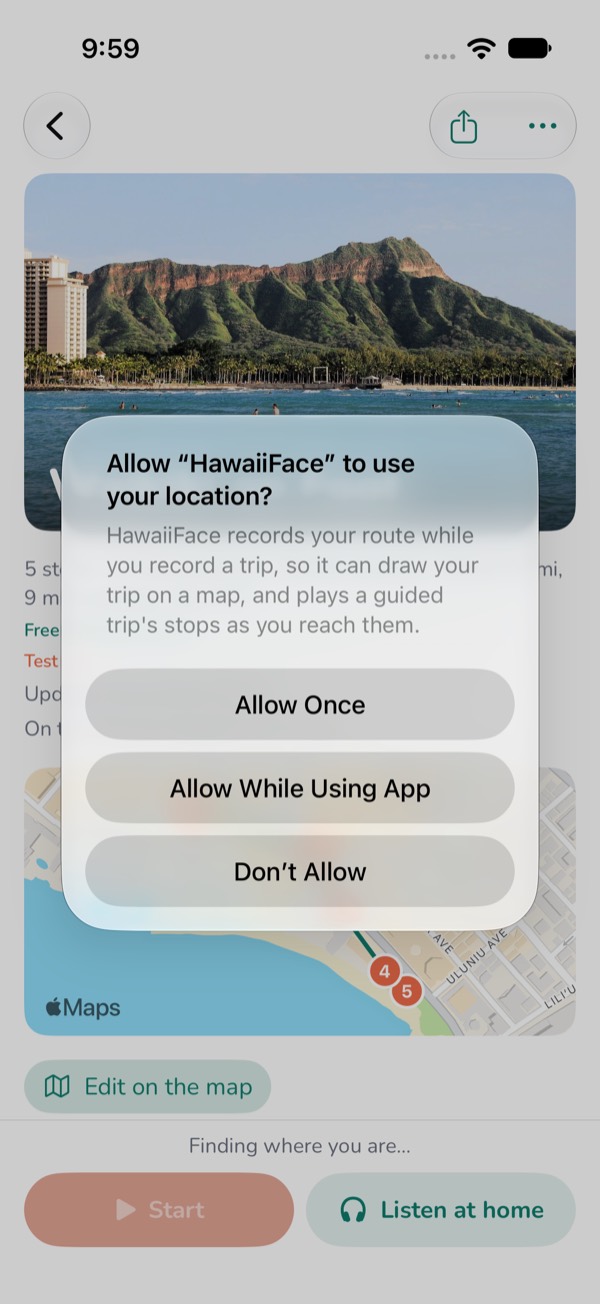
When the app asks, allow location While Using the App. A stop's story then plays as you pass it, even with the phone locked. If location is off, the app sends you to Settings.
Tap Start on the tour's page. Already recording a trip? Tap Guide on the recording screen and pick a tour.
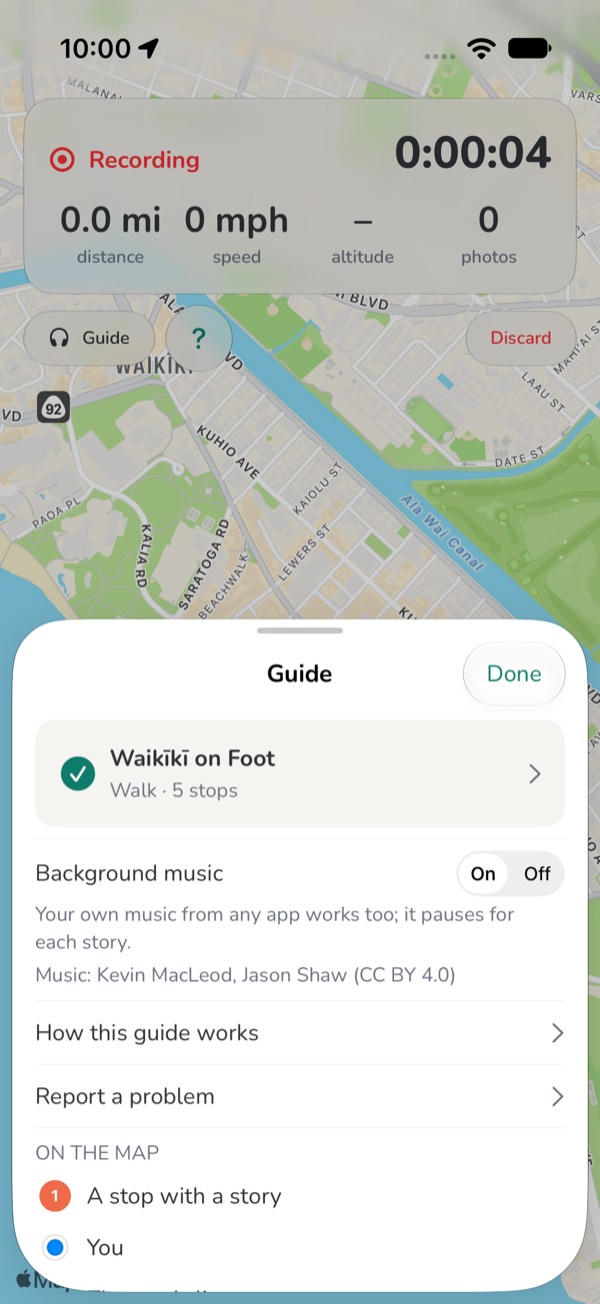
On a drive, plug in your phone and connect it to the car by CarPlay or Bluetooth. On a walk, put your headphones in. The phone can go in your pocket and the screen can lock.
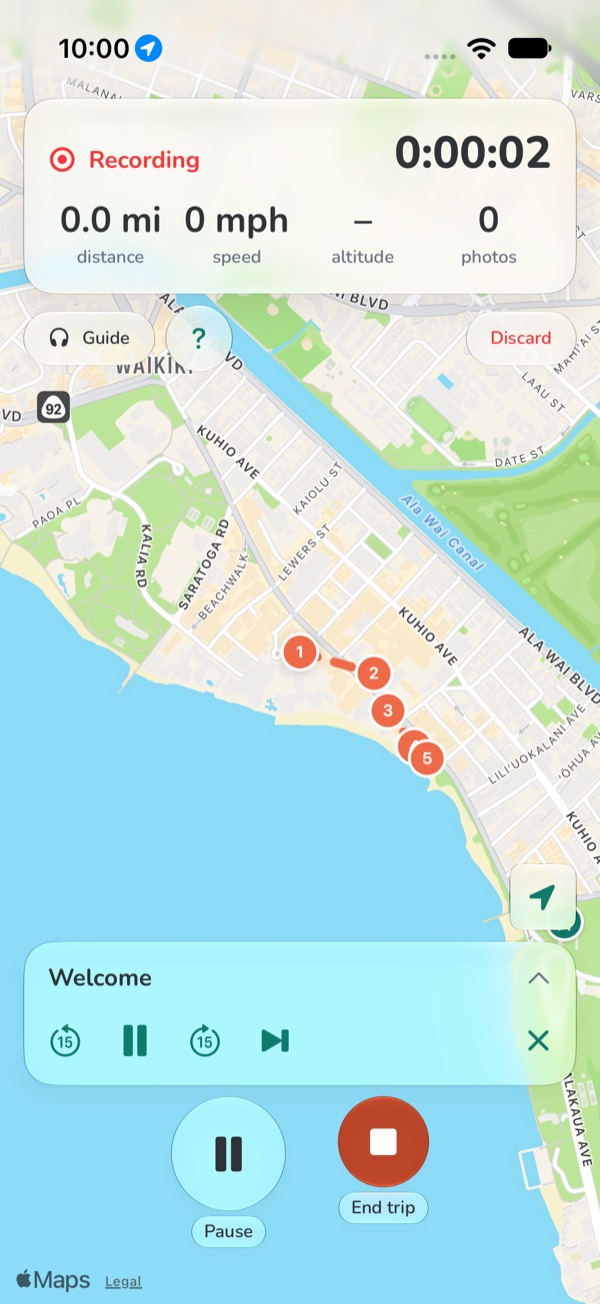
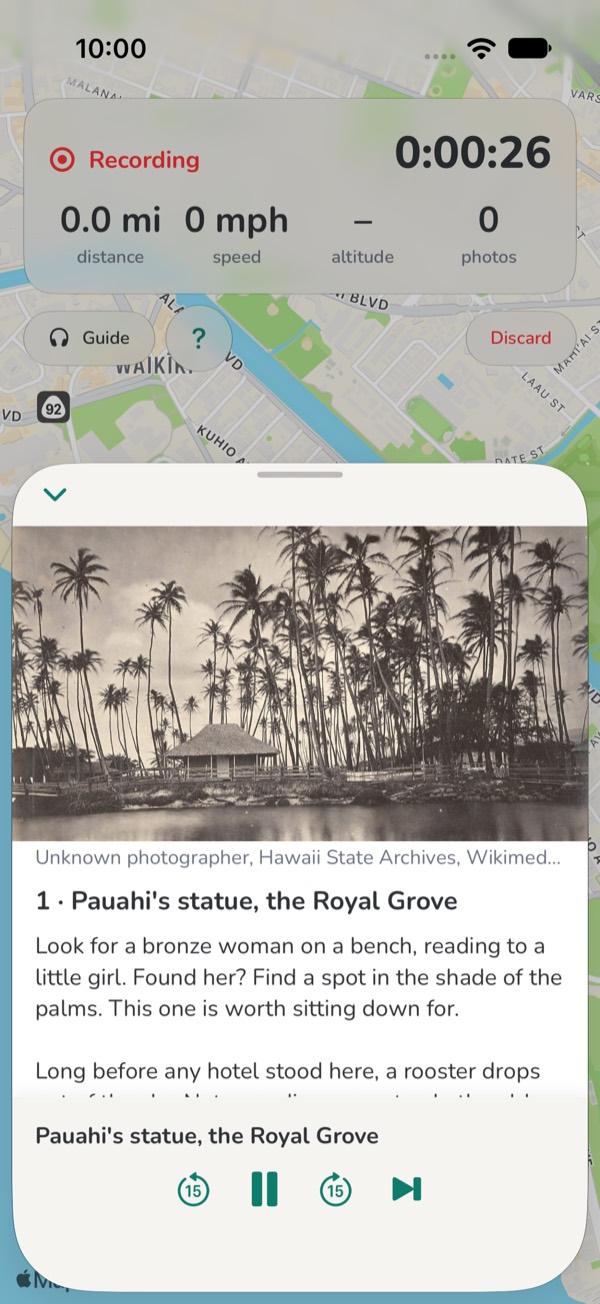
When you reach a stop, its story plays by itself, in any order, every time. On a drive a chime comes first, at 1 mile, ½ mile and about 1,000 ft. Tap the guide bar to read the story.
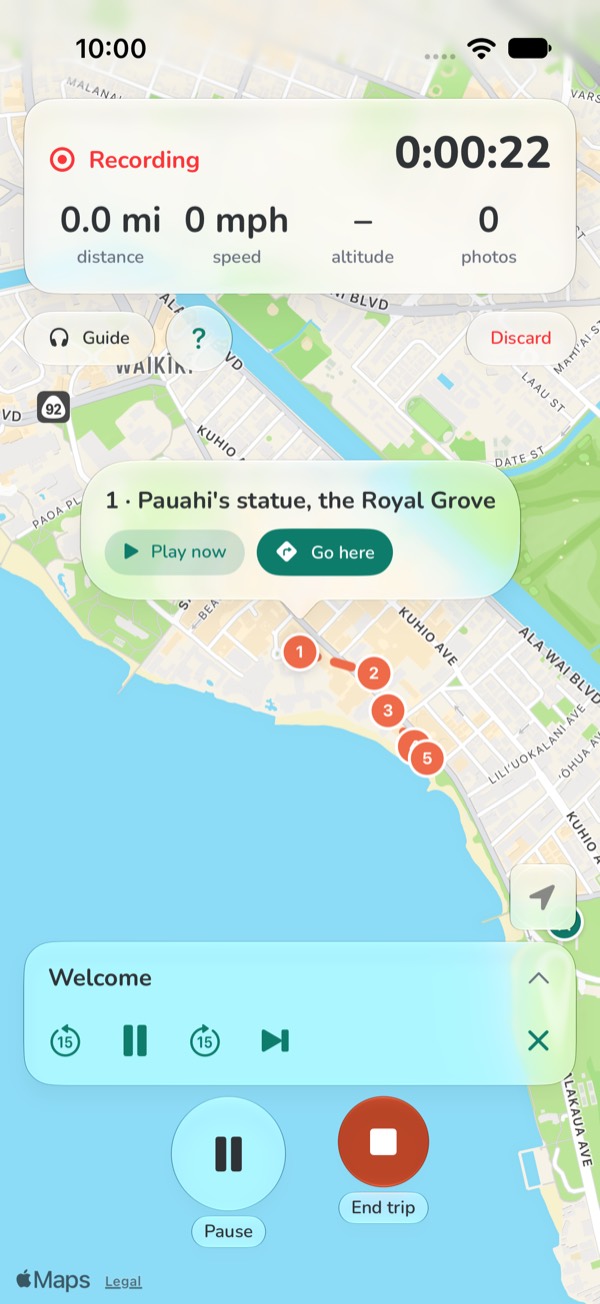
Tap a stop on the map. Play now plays its story; Go here shows the way and says each turn.
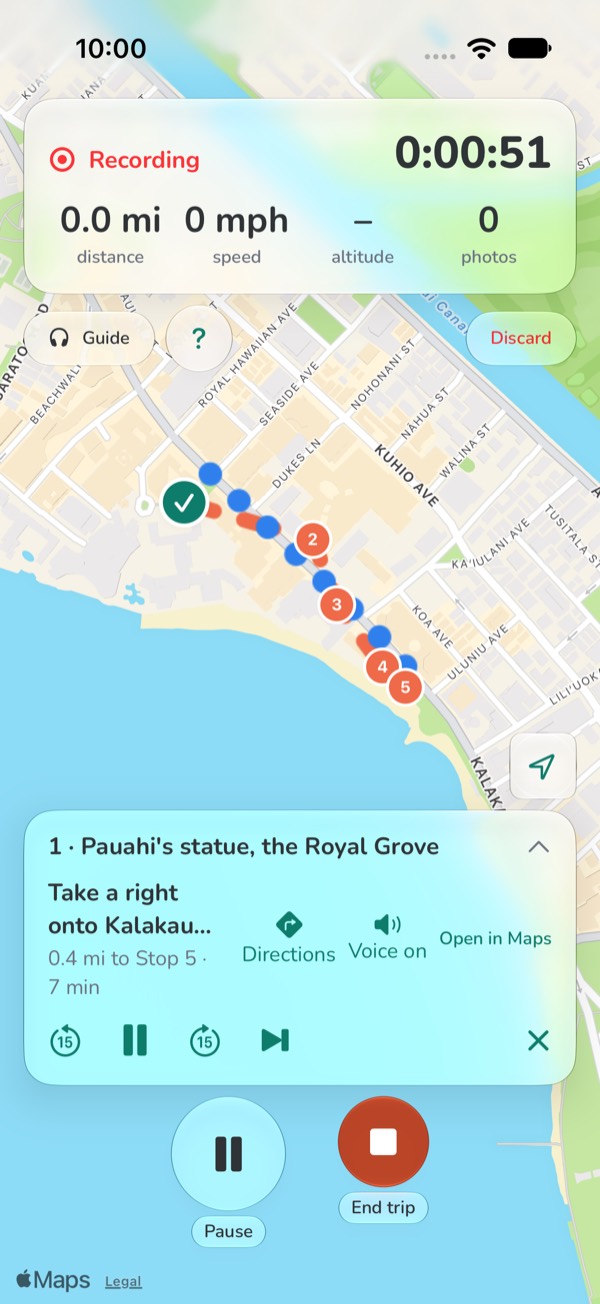
Stories, the map and your trip carry on. Directions need a connection: if the bar says No way found, tap Open in Maps.
Tap Guide, then Stop the guide, or End trip to save your trip. It keeps your route, your photos and the tour's name.
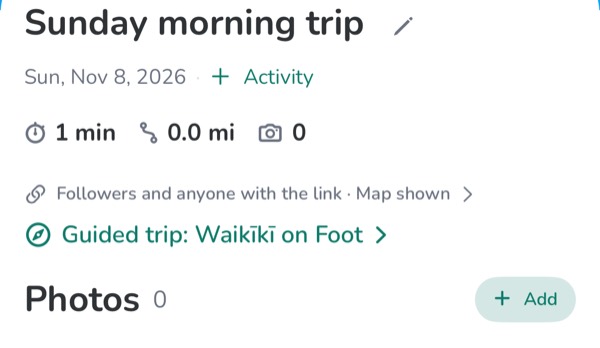
Sample trips, with made-up people.
© 2026 TupLab LLC · About · Articles · Islands · Help · Terms · Privacy · Report a problem or idea