Your photos on the map
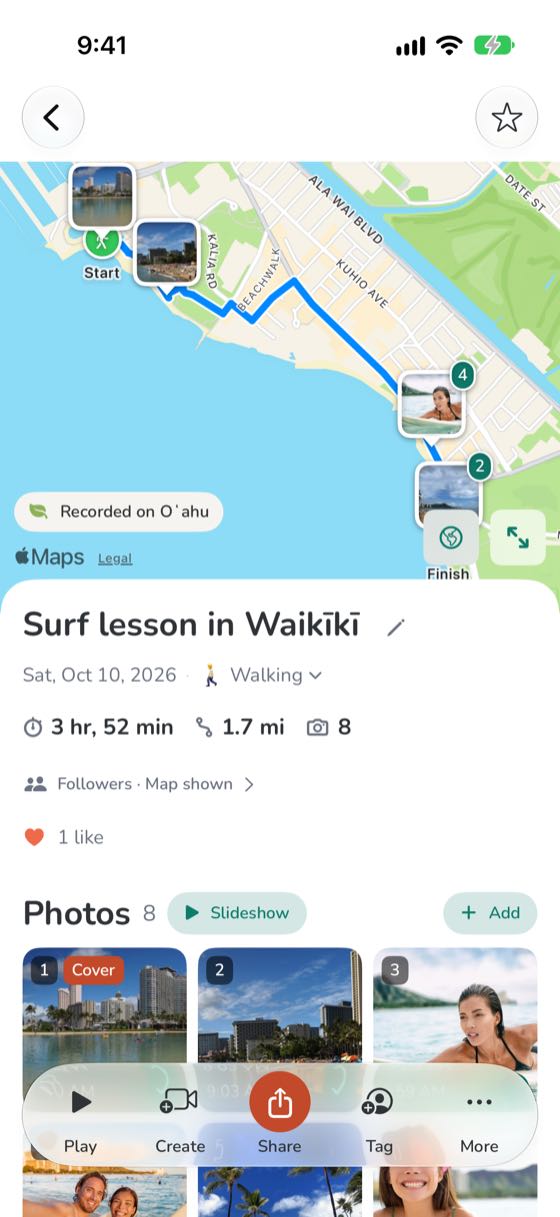
Every photo from your trip goes on your route, where you took it, so the day reads in order.
Step by step
- Take photos as you go, or add them later from your camera roll, in the app or on the website.
- Each photo is placed where you took it. One taken away from your route goes on the route at the time you took it.
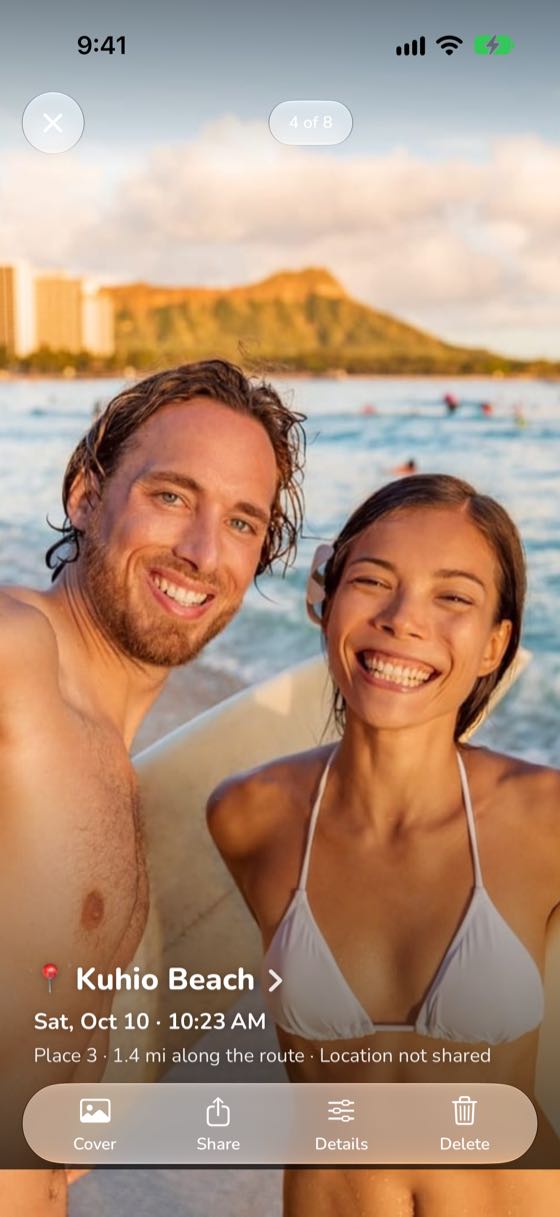
- Open a photo to see the place's name and the time, then swipe to the next.
- Only you see where each photo was taken. Downloads and shares carry no location unless you turn on Include location.