
Keeping a record of your Hawaii trip without writing a journal
Most of us mean to keep a travel journal and stop by the second day. The evenings are short, and writing up a day you have just lived feels like homework. HawaiiFace keeps the record from the two things you do anyway: moving around and taking photos.
The route writes itself
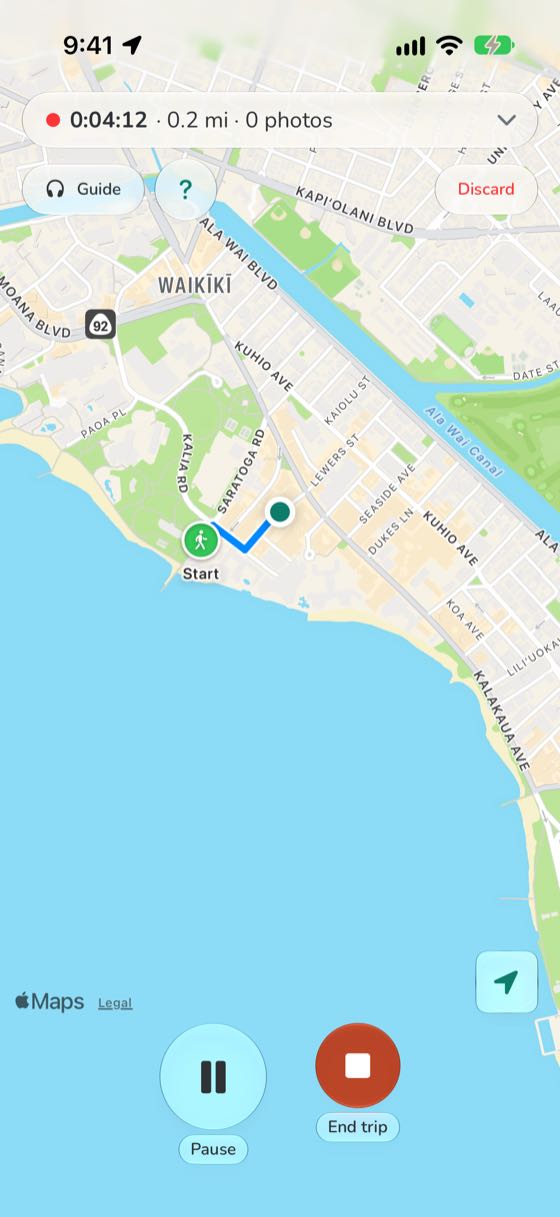
Tap Start when you set off, on foot or by car, and put the phone away. The walk or drive is drawn on the map as it happens, with the time and the distance. Stop for lunch and tap Pause; paused time is left out. Tap End trip, and the day is saved. How recording works.
Photos put themselves in order
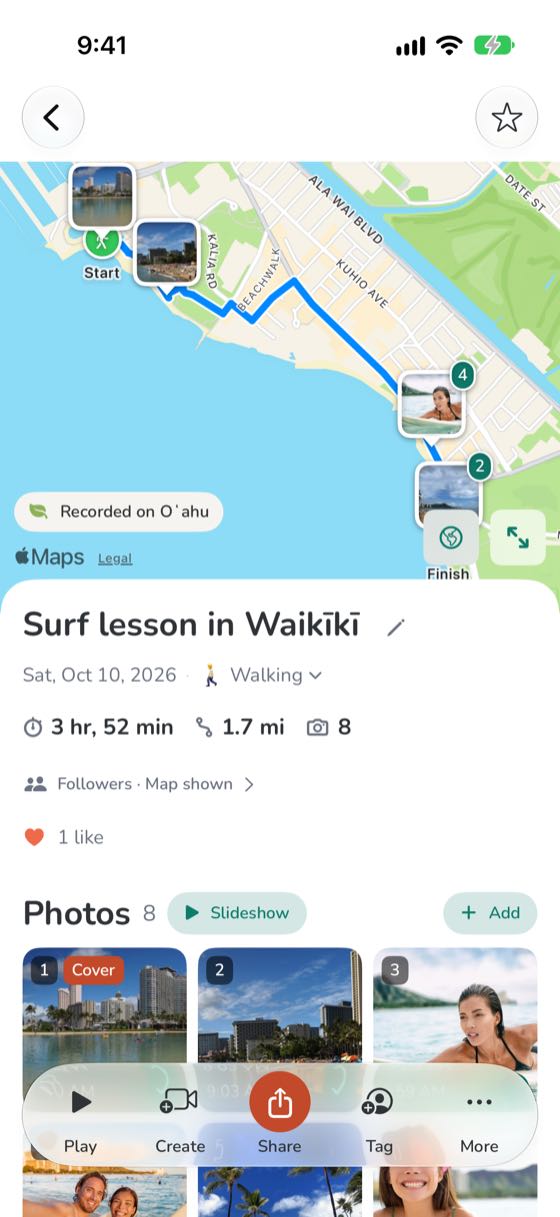
Each photo goes on the route where you took it, so the day reads in order: the beach in the morning, lunch, the lookout at sunset. Open one to see the place's name and the time. Only you see exactly where a photo was taken, unless you choose to share it. More on photos.
A page instead of a diary
Each trip gets its own page with the route, the photos and the numbers. Give it a name, say what it was (hiking, driving), and tag who came along. Keep it to yourself, or send the link to the people who were there and the ones who weren't. How sharing works.
Something to keep
From a trip you can make a Map video, a video that flies along your route with your photos where you took them; a slideshow with music; and a poster of your route on an aerial map with your photos below, kept in your Scrapbook to save or print. Map video, slideshow and poster.
The whole holiday at a glance
Your Me page adds it all up: the islands you have been to, marked on the map, how far you have gone, who you went with, and the guides you listened to, year by year.
Nothing to write, and at the end of the week the record is there.